Cyber attacks in 2026 are not just about hacking a site. They are about stealing data, draining wallets, hijacking sessions, and abusing your brand. Modern attackers use automated tools, leaked credential lists, and AI to scan the internet 24/7 for weak targets.
If your website handles logins, payments, personal data, or even simple contact forms, these five security features are no longer optional. They are baseline.
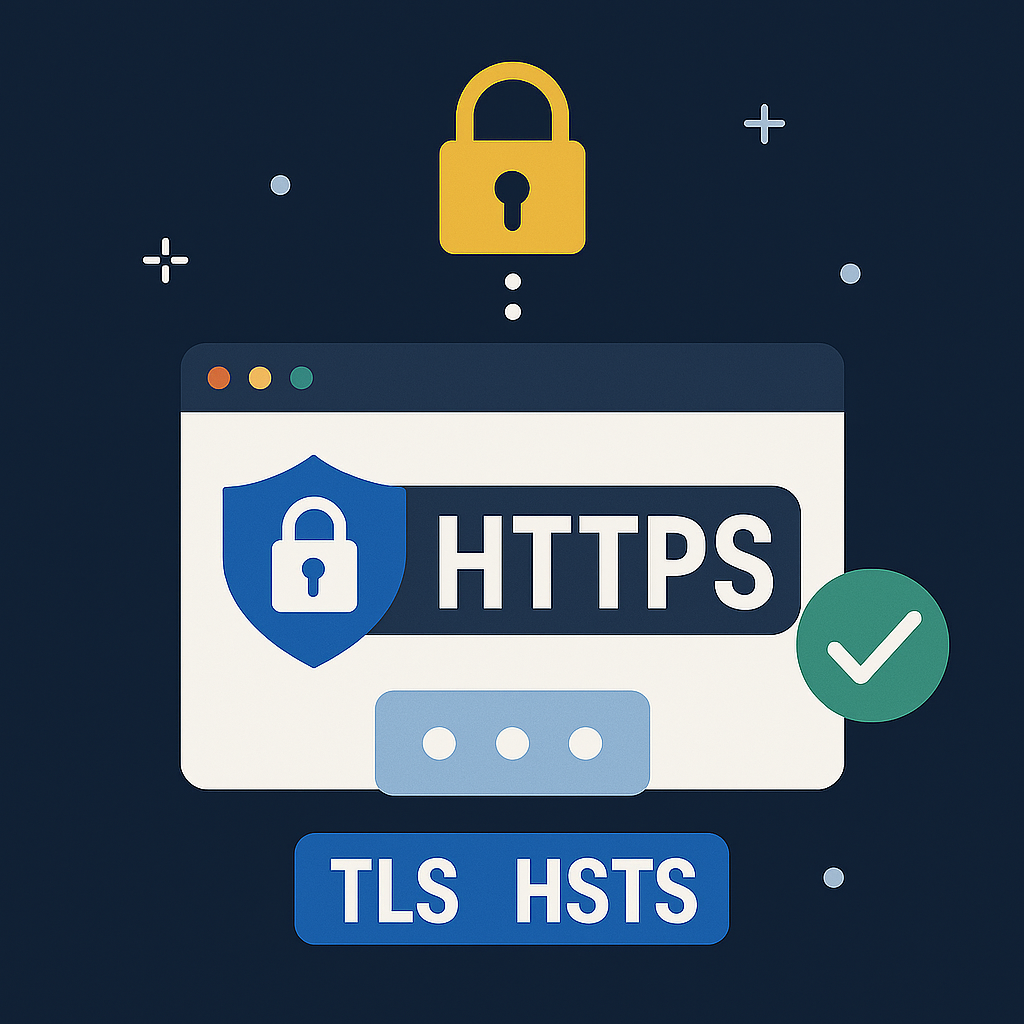
1. HTTPS Everywhere with Modern TLS and HSTS
Why it matters in 2026
Unencrypted HTTP traffic exposes everything. Attackers can read login details, steal cookies, inject scripts, or modify pages. Modern browsers now warn aggressively when visiting sites without HTTPS.
What modern HTTPS includes
- TLS 1.2 or higher (prefer TLS 1.3)
- Strong ciphers (no RC4 or outdated protocols)
- Valid SSL certificates (Lets Encrypt or commercial)
- OCSP stapling and certificate transparency
- HSTS enabled to force browsers to always use HTTPS
Recommended HSTS Header
Strict-Transport-Security: max-age=63072000; includeSubDomains; preload
Checklist
- No mixed content
- TLS 1.3 enabled
- Automatic SSL renewal
- Redirect all traffic to HTTPS
2. Phishing Resistant Authentication (MFA and Passkeys)

Passwords alone are not enough
Stolen credentials, brute force attacks, and phishing are still the main reasons accounts get hacked. In 2026, websites must adopt stronger authentication.
What to implement
Multi Factor Authentication (MFA)
- App based TOTP codes (Google Authenticator)
- Security keys (FIDO2 or WebAuthn)
- Push based authentication
Passkeys (WebAuthn)
Passkeys replace passwords using cryptographic keys stored on user devices. They offer:
- Phishing resistance
- No reusable passwords
- Fast biometric login (Face ID or fingerprint)
Additional protections
- Rate limit login attempts
- Detect leaked password reuse
- Send new device login alerts
3. Robust Access Control and Least Privilege Authorization

Access control failures are the top cause of data exposure.
Problems that occur without it
- Normal users accessing admin functions
- Changing numeric IDs to view other users data
- Relying on front end checks (hidden buttons or JS)
- Staff accounts having too much access
Best practices
- Validate permissions server side, not client side
- Use structured Role Based Access Control (RBAC)
- Enforce least privilege for all staff
- Use non guessable resource IDs (UUIDs)
- Protect admin panels with MFA and IP restrictions
Example server side rule
Always verify ownership when fetching data such as orders or user profiles.
4. Browser Side Protections: Security Headers, CSP and XSS Defense

Security headers tell browsers how to behave and block entire attack categories.
Important security headers
Content Security Policy (CSP) protects against script injections
X Frame Options: DENY stops clickjacking
X Content Type Options: nosniff prevents MIME confusion
Referrer Policy: strict-origin-when-cross-origin protects sensitive URLs
Permissions Policy restricts access to camera, mic, location
HSTS enforces HTTPS
Example CSP (simplified)
default-src 'self'
script-src 'self' https://apis.google.com
style-src 'self' 'unsafe-inline'
img-src 'self' data:
object-src 'none'
frame-ancestors 'none'
XSS (Cross Site Scripting) defenses
- Escape all output properly
- Validate input where needed
- Avoid unsafe DOM methods like innerHTML
- Use a strict CSP as a safety net
5. Security Monitoring Stack: WAF, DDoS Protection, Logging and Incident Response
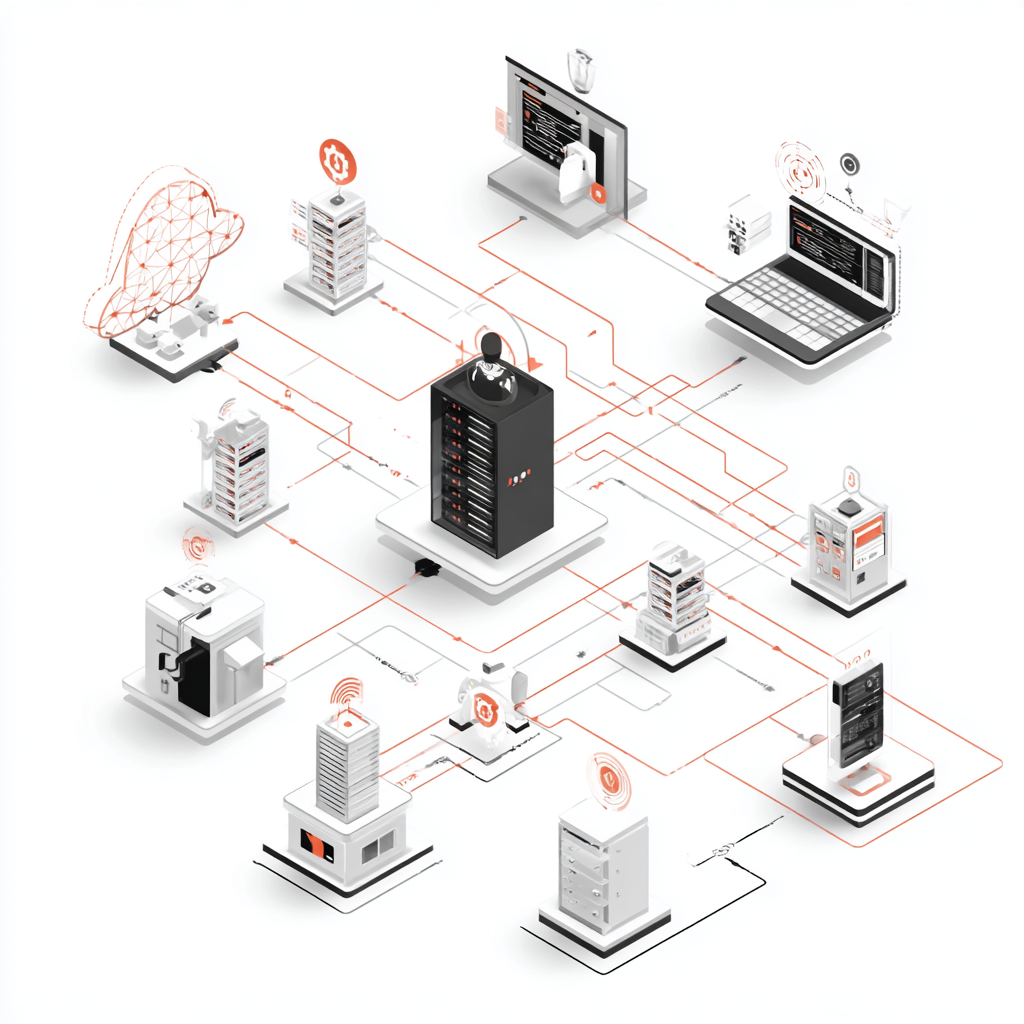
Defensive layers must run continuously, not only during development.
a) Web Application Firewall (WAF)
A WAF helps block:
- SQL injection attempts
- XSS attempts
- Path traversal
- Bots and brute force attempts
Modern CDNs like Cloudflare and Fastly provide managed WAF rules.
b) DDoS protection
Attackers use botnets to flood websites. Protect yourself with:
- CDN based DDoS mitigation
- Rate limiting on login and heavy endpoints
- CAPTCHA or challenge pages for suspicious traffic
c) Centralized logging
Monitor:
- Successful and failed logins
- Admin panel actions
- Password reset attempts
- Permission errors
- WAF blocks
Set up alerts for unusual patterns or spikes.
d) Backups and incident response
Every secure website must have:
- Automated daily backups stored off site
- A tested restore process
- An incident response plan for breaches, downtime, or data leaks
Final Thoughts
In 2026, a secure website requires a multi layered defense system:
- HTTPS Everywhere with modern TLS
- Phishing resistant authentication (MFA and Passkeys)
- Strong access control with least privilege
- Critical browser security headers and CSP
- Monitoring, WAF, DDoS protection and backups
If any of these are missing from your site today, start implementing them immediately, especially on login pages, admin areas, payment flows, and data sensitive features.